


The launch timeline
The fastest listings to go live follow the same rhythm every time. Put this timeline in your listing checklist and you'll never wait on media again.
- Day 0Listing agreement signedBook media the same day so you get the time slot you want. Send the seller the photo prep handout and confirm lockbox or door code access.
- Days 1 to 3Prep windowThe seller works through the checklist. Walk the home once, flag repairs and clutter, and ask the seller for a list of upgrades worth showing.
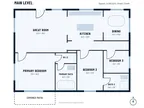
- Shoot dayOne appointmentPhotos, aerials, video, 3D tour, and floor plan in a single trip. The home should be ready and empty when the crew arrives.
- Next dayPhotos deliveredChoose the cover photo, set the photo order, write the description, and load the MLS.
- Launch weekGo live and promotePost the reel, email your network, share the 3D tour, and promote the first open house.
- Day 14Check and refreshReview showing feedback and online views. If interest is slow, swap the cover photo, add twilight, or reshare the video.
The most common launch delay is a shoot booked days after the agreement is signed. Booking online takes a few minutes, and photos arrive the next day.
Match the media to the listing
Every listing needs great photos. Start with one of our three listing packages, then add what the home calls for from the table below.
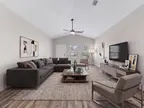
- Standard Listing Photography
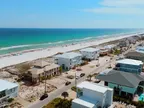
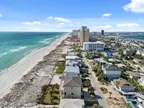
- Aerial Photography
- Free sky replacement
- Photos delivered next day
- Standard Listing Photography
- Aerial Photography
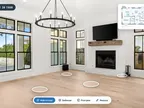
- Zillow 3D Home Tour
- Zillow 2D Floor Plan
- Uploaded to Zillow for you
- Standard Listing Photography
- Aerial Photography
- Zillow 3D Home or Matterport tour
- 2D Floor Plan
- Cinematic Listing Video
- 2 Virtual Twilights
Prices shown are for homes up to 2,000 sq ft. See every package, add-on, and price by size on the pricing page.
| If the listing is | Add this | Why it works |
|---|---|---|
| Waterfront, golf, or near the beach | Aerial photos and video | Shows the water, the dock, and what's nearby in one frame. |
| Acreage or vacant land | Aerials with approximate lot lines | Buyers see the boundaries and the shape of the lot. |
| Vacant or new construction | Virtual staging and a floor plan | Empty rooms look smaller. Staging and dimensions show scale. |
| Condo or resort community | Amenity photos and a 3D tour | The pool, beach access, and gym sell the unit. Pull current sets from the Stock Library. |
| Likely remote or relocating buyers | 3D tour and listing video | Buyers can walk the home from anywhere before they fly in. |
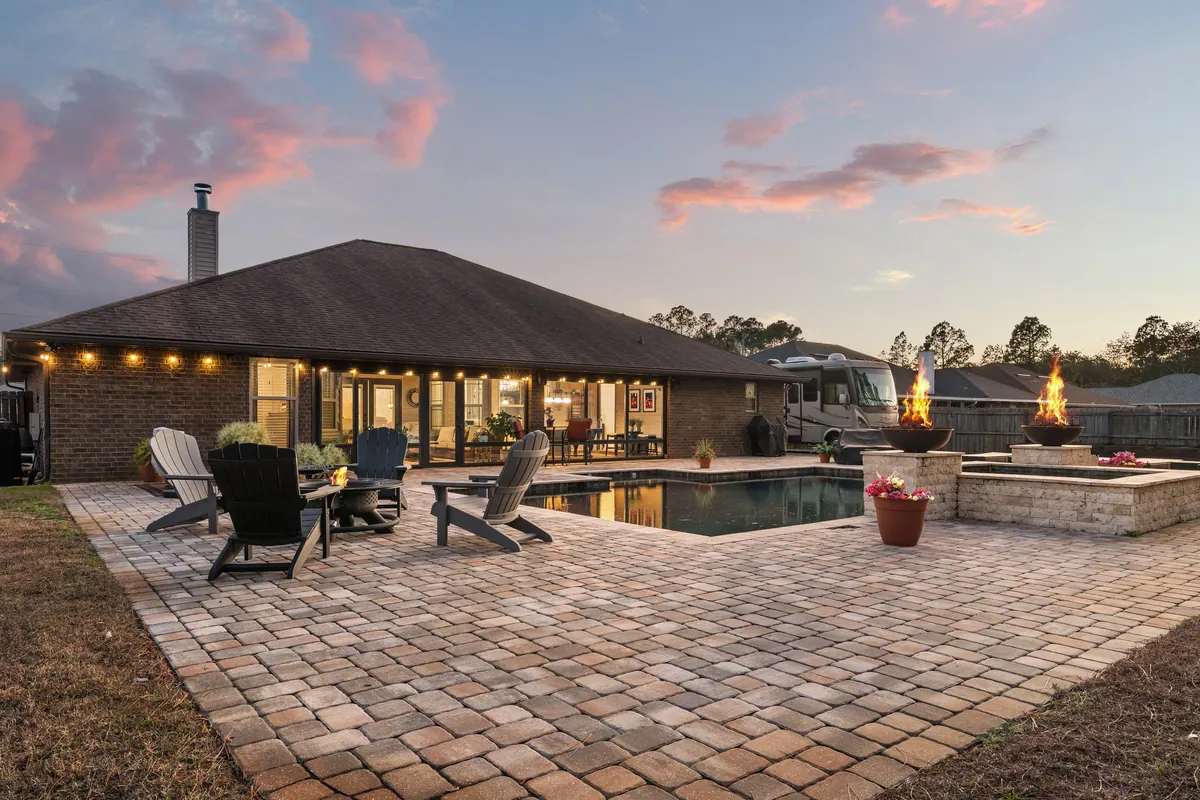
| West-facing or a great exterior | Twilight photos | A glowing exterior at dusk is a scroll-stopping cover photo. |
| Sitting with few showings | Refresh: twilight, new cover, or video | New media gives the listing a reason to resurface. |
Build a gallery that gets the click
Buyers scroll fast. The cover photo earns the click and the first five photos earn the showing. Arrange the gallery the way you'd walk a buyer through the home.
- Cover photo: the strongest exterior, or the view if the view is the reason to buy. For condos, lead with the view or the best amenity.
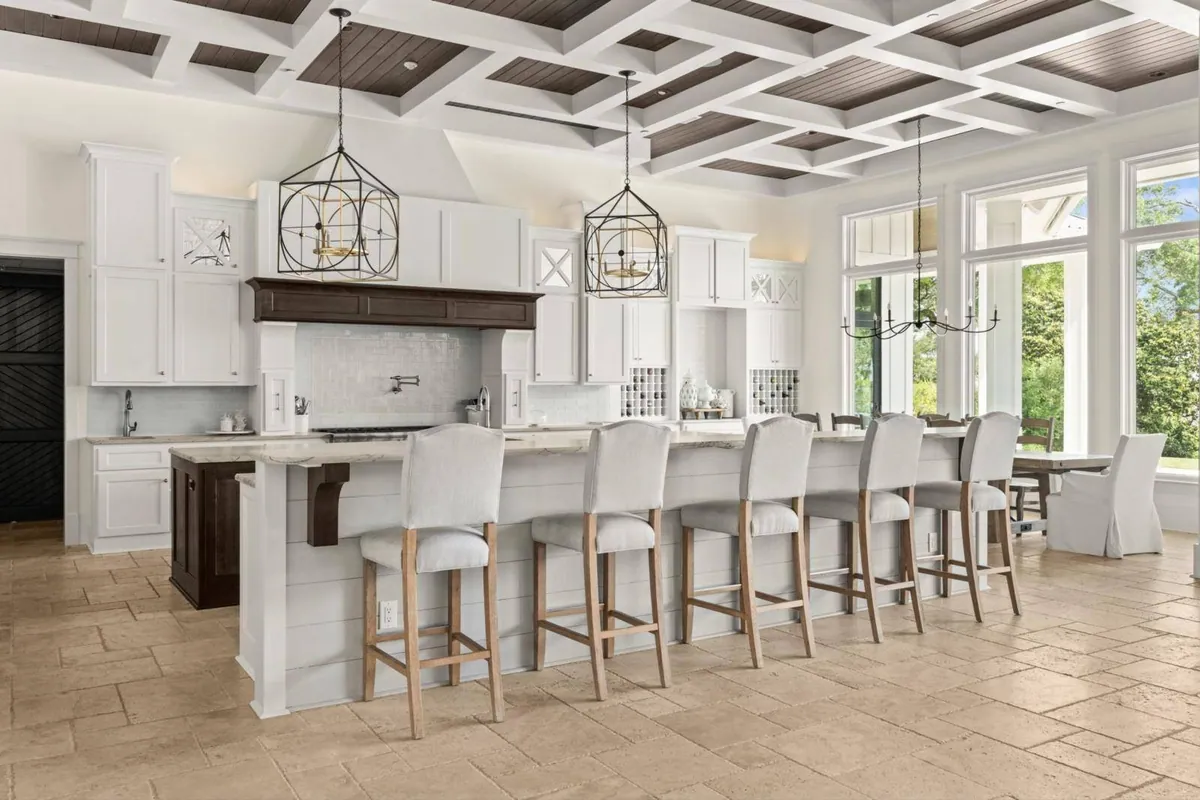
- Photos 2 to 5: the best rooms, usually the main living area, kitchen, primary suite, and outdoor living.
- Then walk the home: entry, living, kitchen, dining, primary suite and bath, other bedrooms and baths, bonus spaces.
- Finish outside: backyard, pool, dock, aerials, then community amenities and area photos.
- Cut the filler: skip near-duplicates, empty closets, and utility rooms unless they're a selling point.
- Disclose staging: label virtually staged photos and follow your MLS rules on edited images.
Need the beach, a downtown landmark, or the resort pool? The Riptide Stock Library has current, licensed Gulf Coast area and amenity photos you can add to any listing in minutes.
Write it, post it, promote it
Lead the description with the feature that made you take the listing. Describe the property and its features, never who should live there. Our free Listing Description Generator writes three Fair Housing conscious options with MLS character counts built in.
| When | Post | Use |
|---|---|---|
| Launch day | Just listed reel | Social reel or a short clip from the listing video |
| Day 2 | Top photo carousel | Cover photo plus the best 8 to 10 interiors |
| Day 4 | Feature spotlight | One standout detail: the kitchen, the view, the dock |
| Before the open house | Open house invite | Twilight or exterior photo with the date and time |
| Week 2 | Area and aerial post | Aerials and nearby landmarks from the Stock Library |
| Under contract and sold | Results posts | The cover photo with your result, to win the next listing |
Two or three quality posts a week beats posting every day and running out of steam. Reuse the same media across MLS, social, email, and print so the listing looks consistent everywhere.
Keep the listing fresh
If a listing passes two weeks with few showings, the fix is often how it looks online, not just the price. Before you reduce, try a refresh:
- Swap the cover photo for a different angle or a twilight shot.
- Add a virtual twilight to the front exterior, from $30.
- Post the listing video or reel again with a new caption.
- Add a 3D tour so serious buyers can revisit the home online.
- Reshoot exteriors when the season changes or the landscaping fills in.
Book every service in one appointment. Photos are delivered the next day.